Put your work in the back of a camera
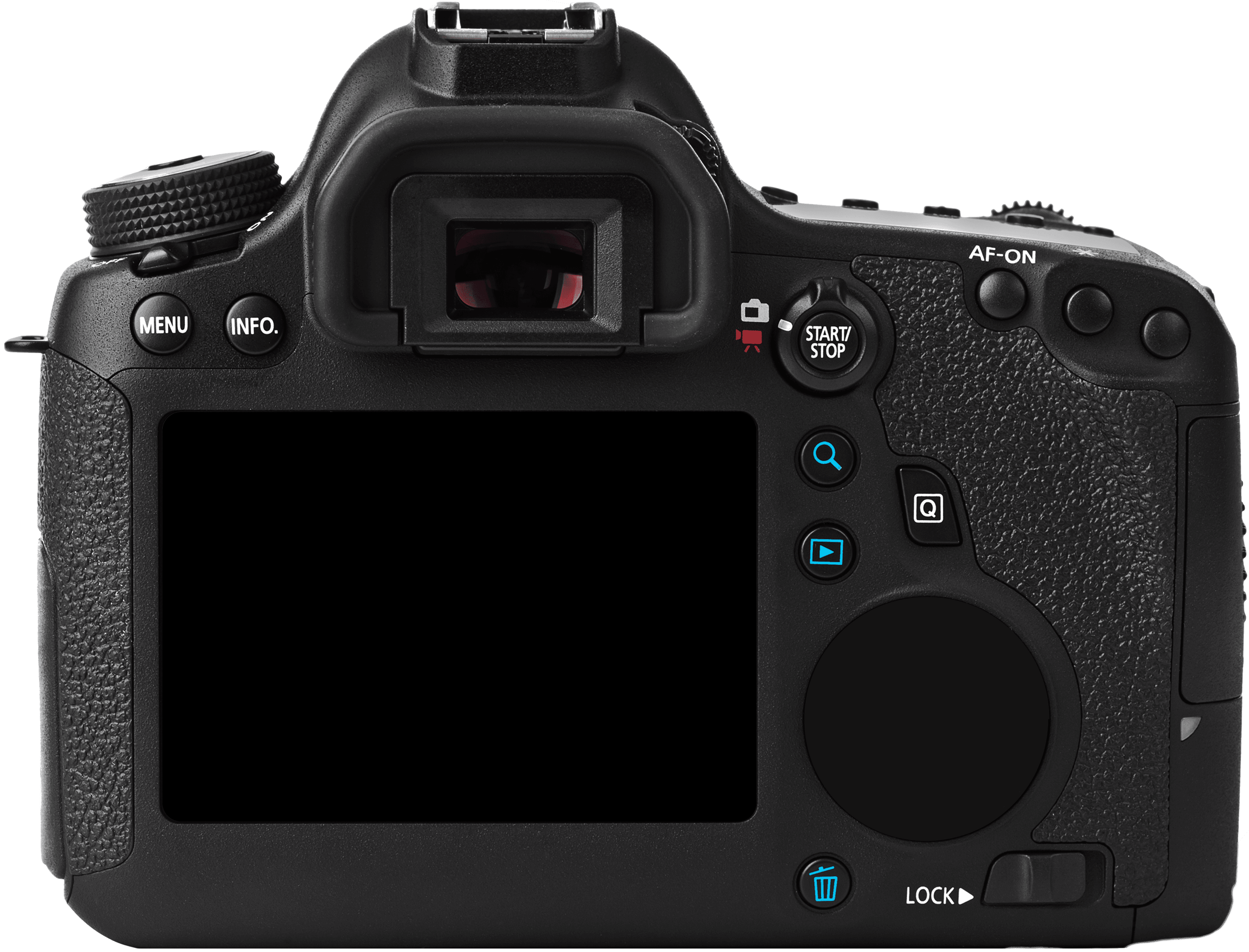
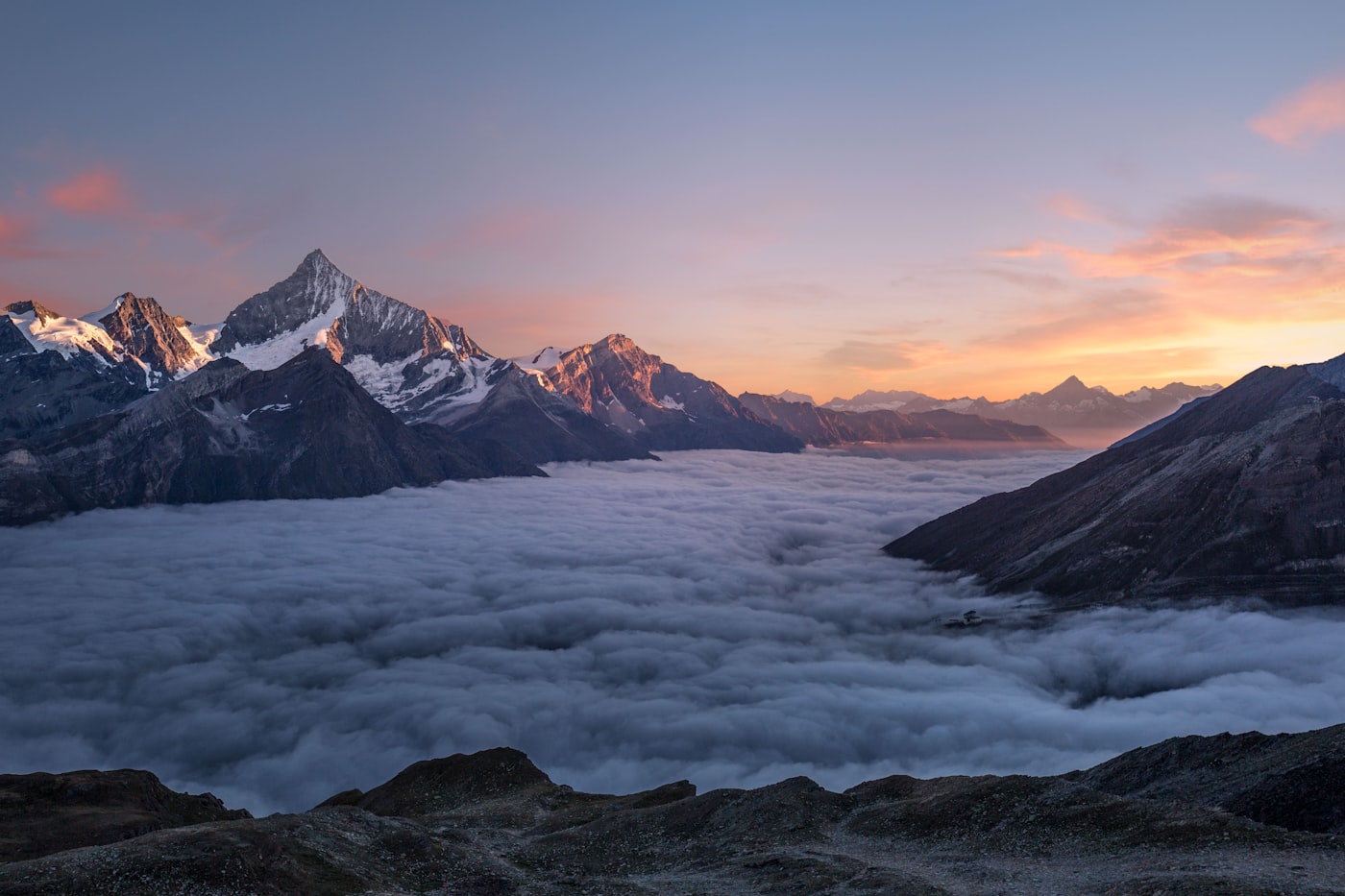
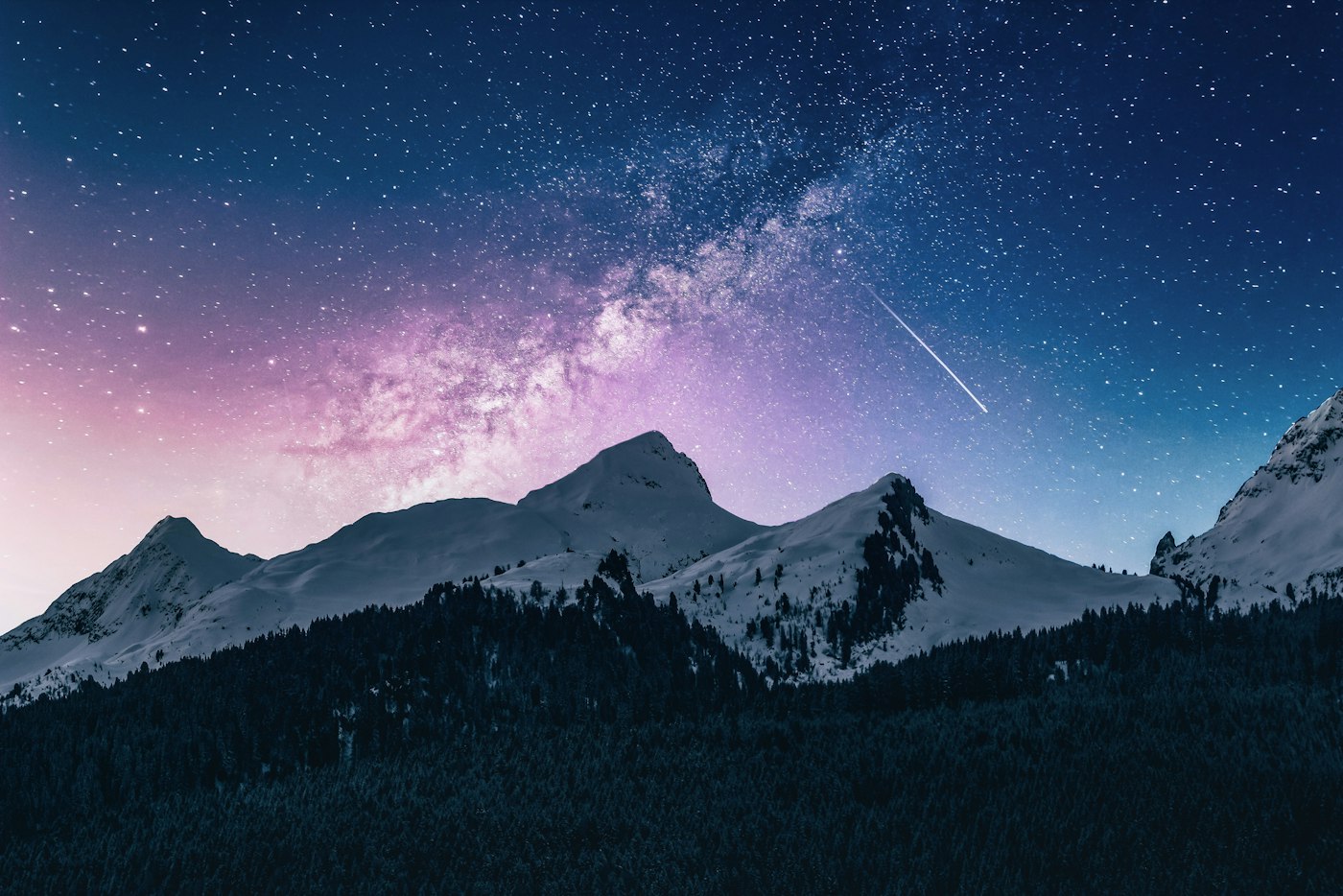
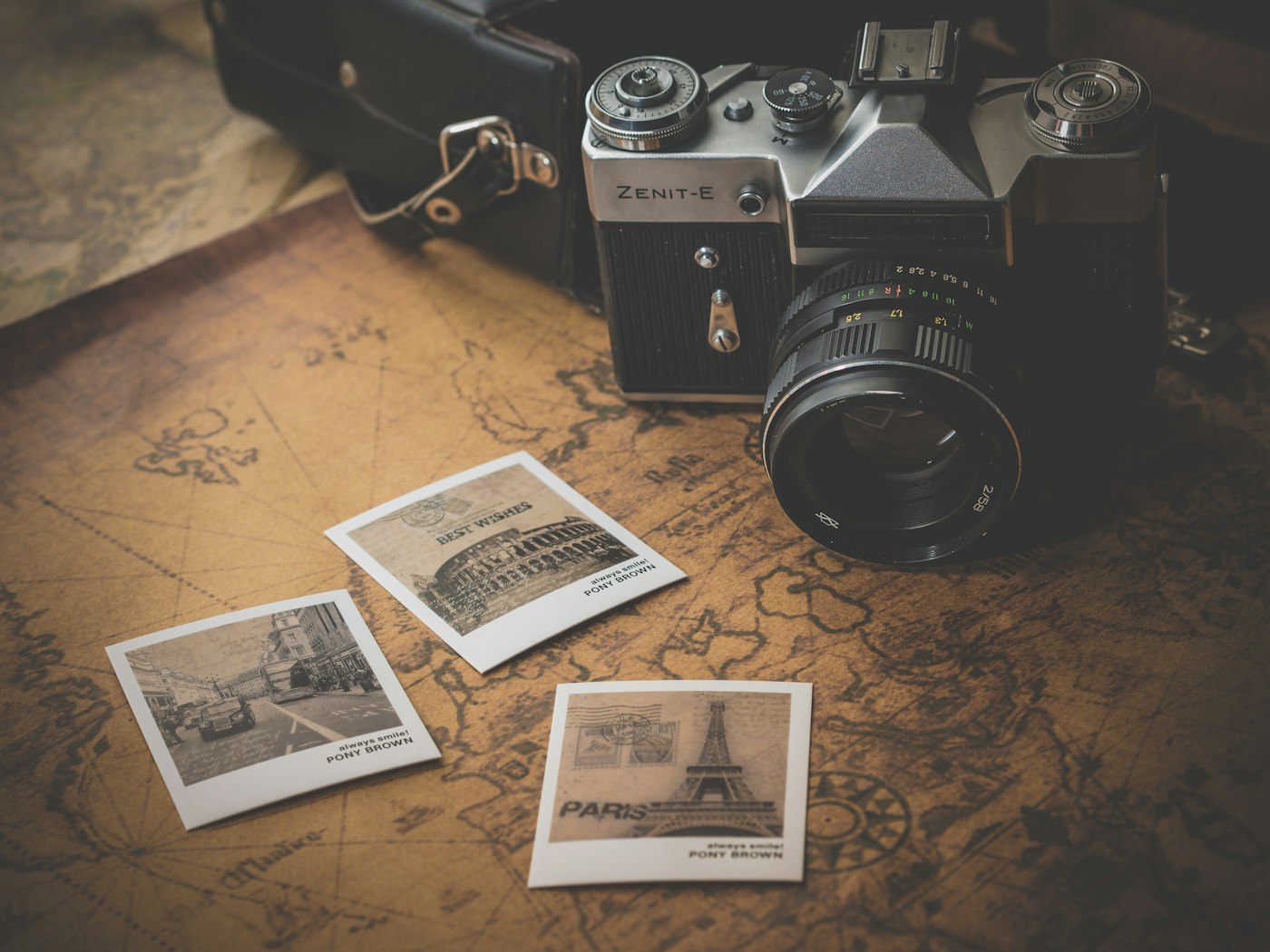
DSLR Slider shows your photos on the screen of a real camera body. Drag across the screen, tap a dot, or let it play by itself. The dial turns with every frame, and the colour of the picture bleeds out behind the camera.
What it does
A gallery that looks shot, not built
- Slides
- As many photos as you like, straight from the property panel.
- Change
- Drag across the screen, click a dot, or use the arrow keys.
- Autoplay
- Optional, with its own interval, and it pauses on hover.
- Dial
- Turns a set number of degrees with every slide you pass.
- Screen
- Position and size it yourself, so it fits your own camera.
- Export
- Renders as a still frame in exports and previews.
On light too
The camera floats, the section stays yours
The background of the component is transparent, so it sits on a pale section as easily as on a dark one. Switch the blurred band off when you want the camera on its own.
Autoplay
It can run on its own
Turn autoplay on and set the interval in seconds. The moment someone hovers the camera it stops, so nothing moves under the cursor while they are looking. Move away and it picks up again.
Background
Let the picture bleed out behind it
A blurred band of the slide you are looking at runs across the full width of the section, so the page takes on the colour of the photograph. Set the blur and the height of the band, or switch it off and put the camera on a plain background.
Your own camera
Any body, any screen
Swap the camera for your own photograph and move the screen over its display with four numbers: X, Y, width and height, all in percentages of the image. The dial has the same three. Grid and corner brackets can go off entirely.
Property panel
Everything is a setting
Setup
Three steps
Paste the component
Copy the component link and paste it straight onto the Framer canvas. It arrives as a layer you can place anywhere.
Add your photos
Open the property panel, drop your images into the Slides list, and set the transition and autoplay the way you want them.
Let it fill the width
Set the width to Fill and the height to Fit. The camera scales with the section and the screen follows along.